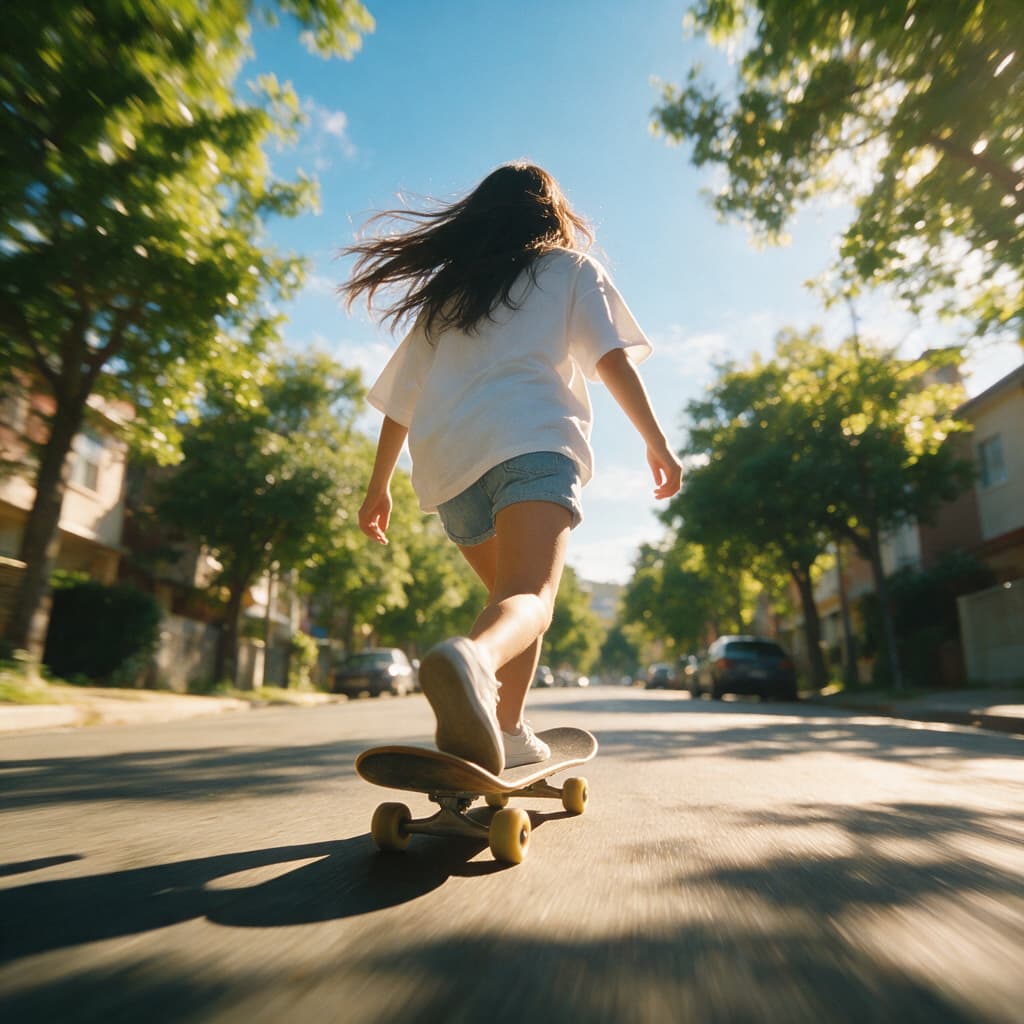
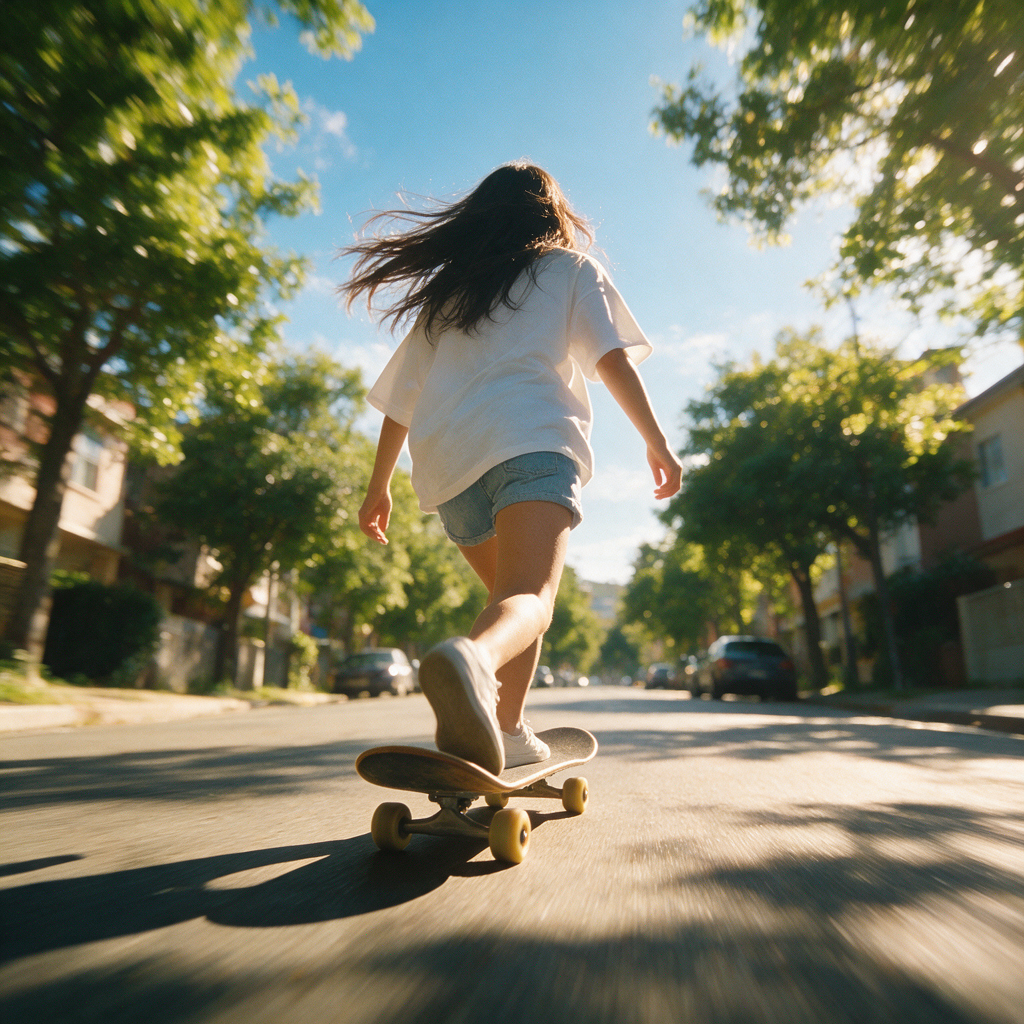

Create with visual references
Reference to Video AI Generator
Upload visual references, describe the action, and create an AI video that stays closer to your characters, products, and style.
Videos generated in this session will appear here.
How It Works
How Reference to Video Works
Turn your reference files and motion prompt into a finished clip in three focused steps.
1
Upload Your References
Add images that define the character, product, setting, or style. When supported, include video or audio to give the model more context.
2
Describe the Motion
Explain what happens in the shot and how the camera should follow it. Add guidance for timing, lighting, and mood, then identify the details that must remain recognizable.
3
Generate Your Video
Choose a model, aspect ratio, resolution, and duration. Generate the clip, review the result, and download your preferred version.
What Can You Create with Reference to Video?
Create visual explainers, character-driven stories, and product campaigns with reference to video AI.
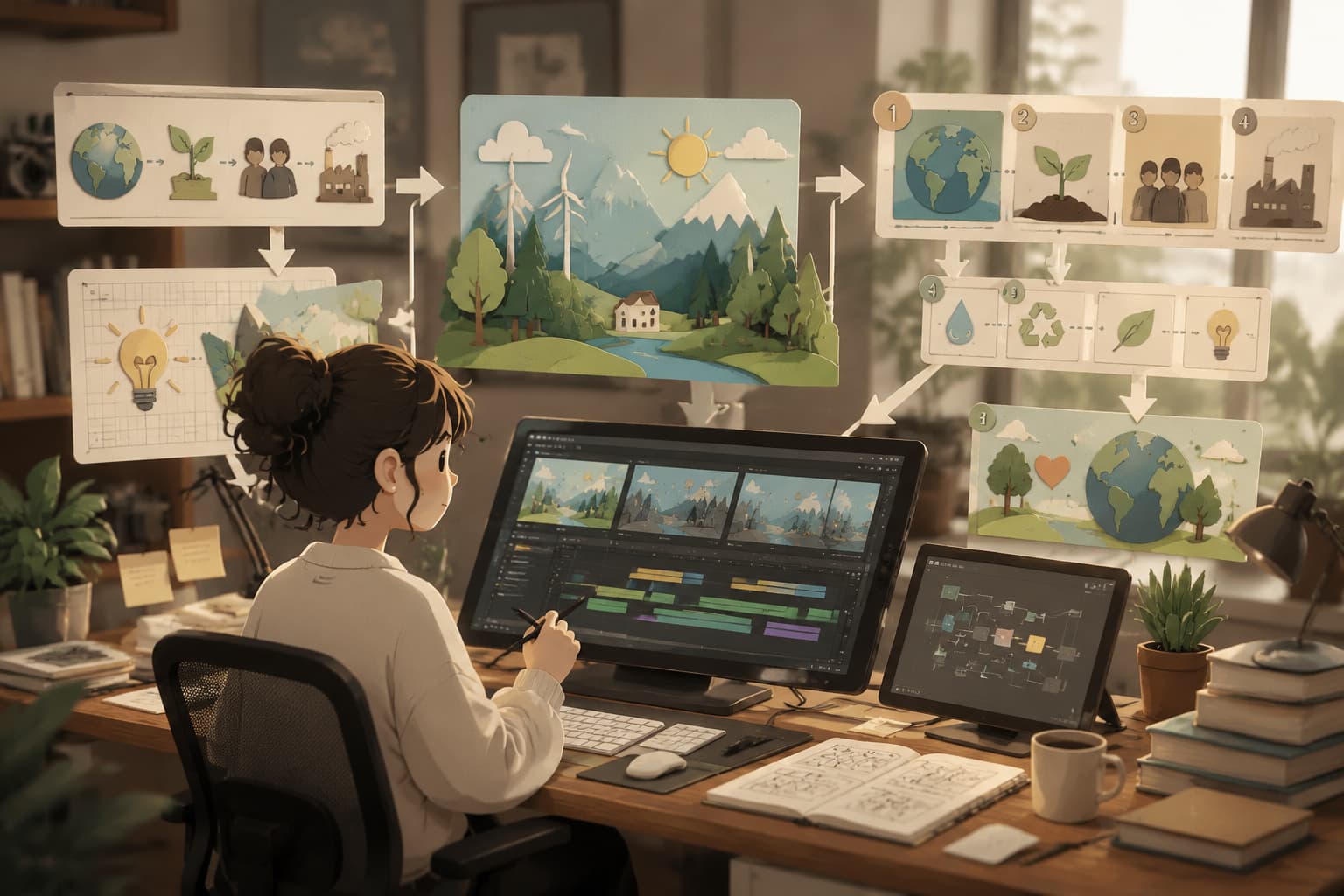
Visual Explainers
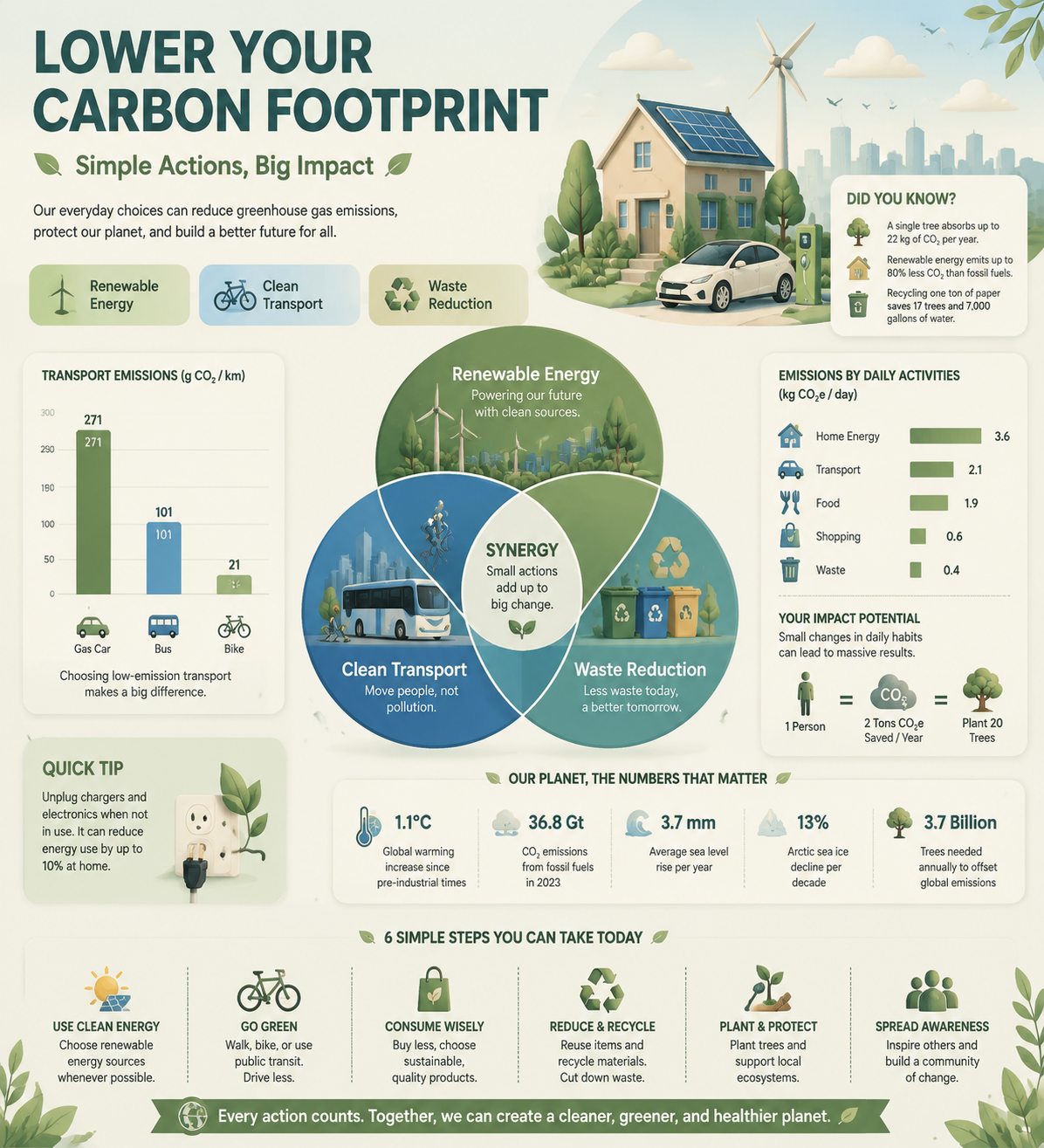
Turn knowledge, processes, and abstract ideas into clear visual sequences. Use references to establish a paper-cut, collage, stop-motion, diagrammatic, or branded style, then guide the storyboard, transitions, narration, and sound. Reference to video AI works well for educational explainers, product walkthroughs, opinion pieces, and social learning content.
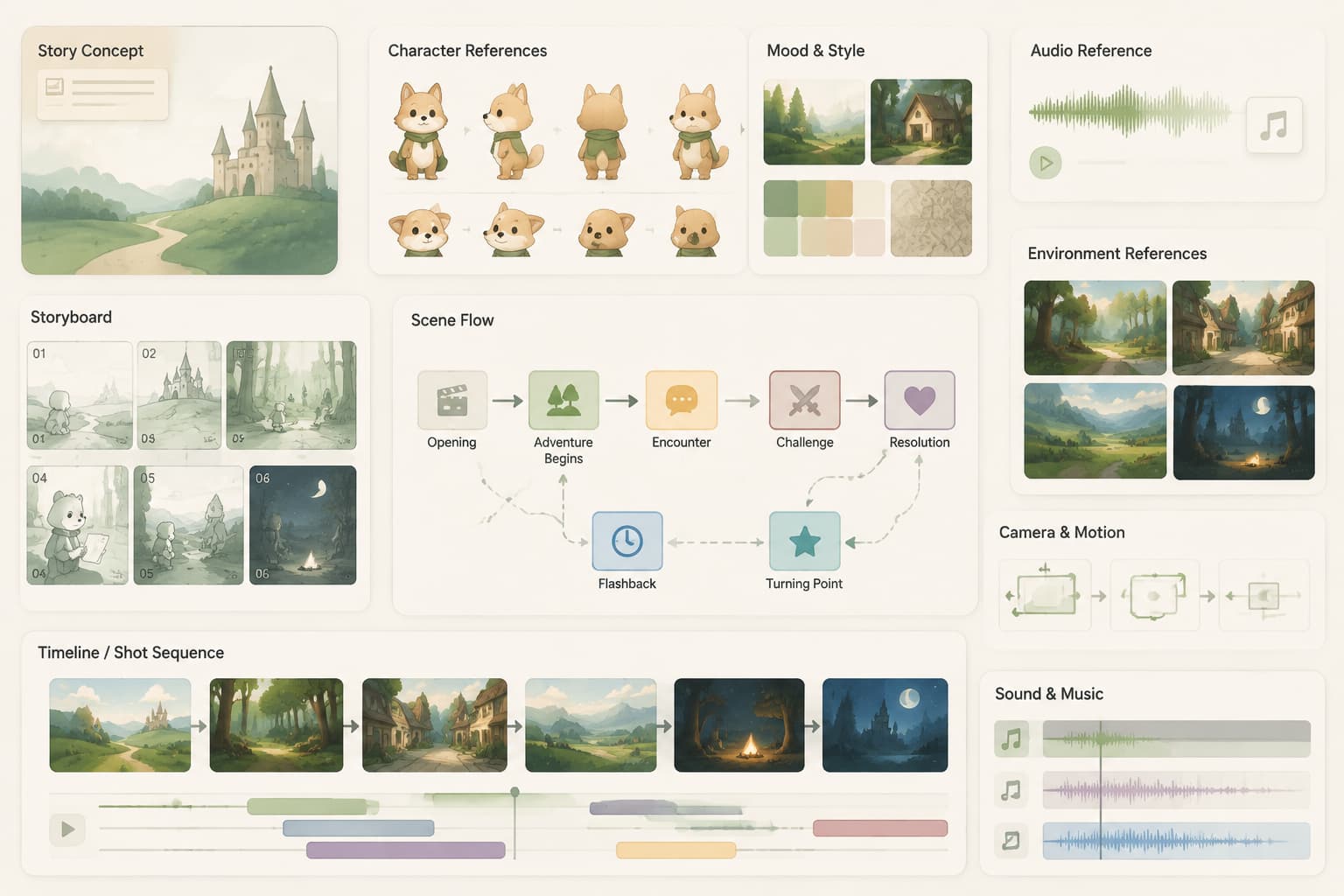
Character-Driven Stories
Build animated stories around a defined cast, world, and visual language. Use character, wardrobe, environment, and audio references to guide identity, performance, scene continuity, camera work, and sound across connected shots. This reference to video workflow suits narrative shorts, game intros, cinematic concepts, and episodic social content.
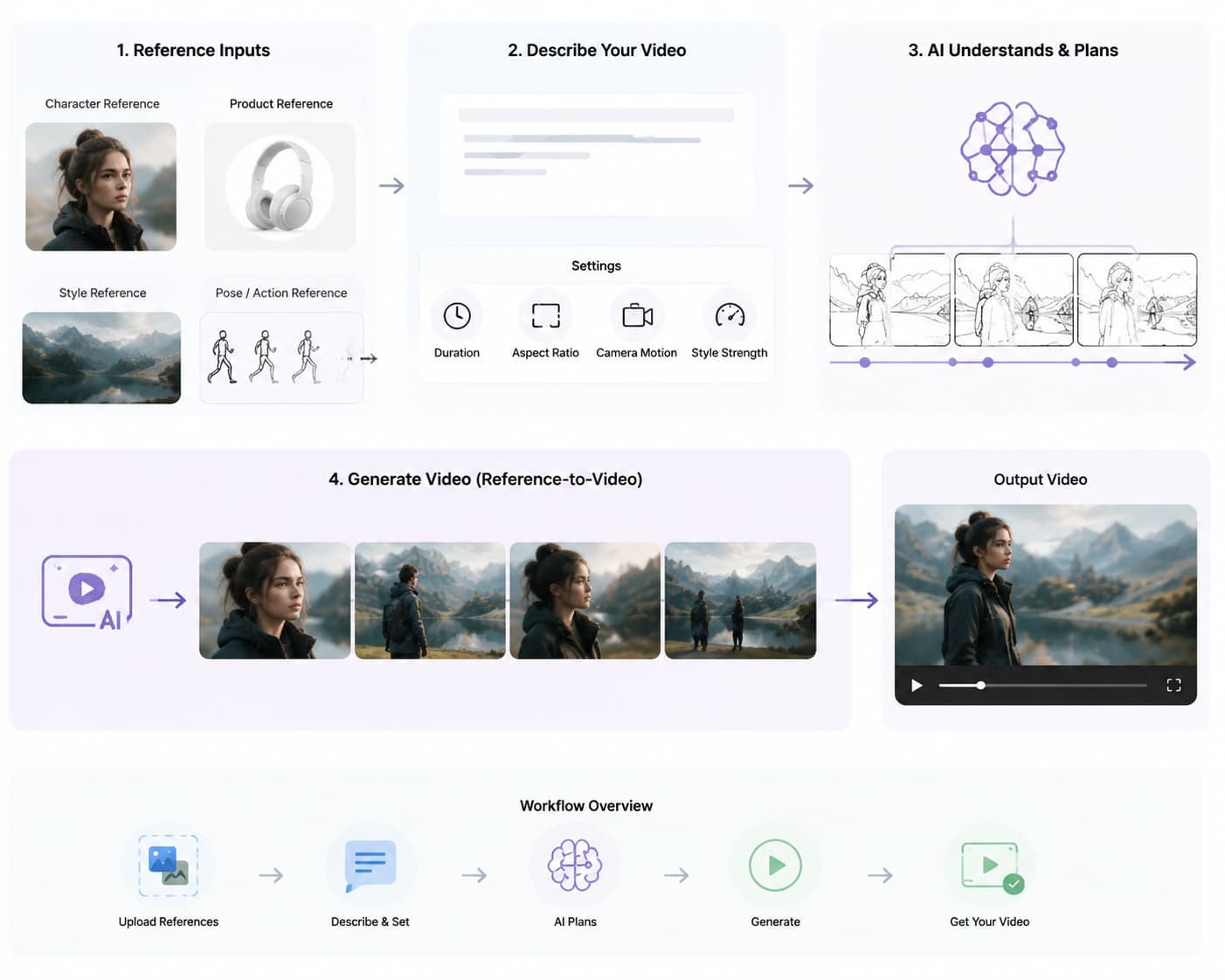
Product & Brand Videos
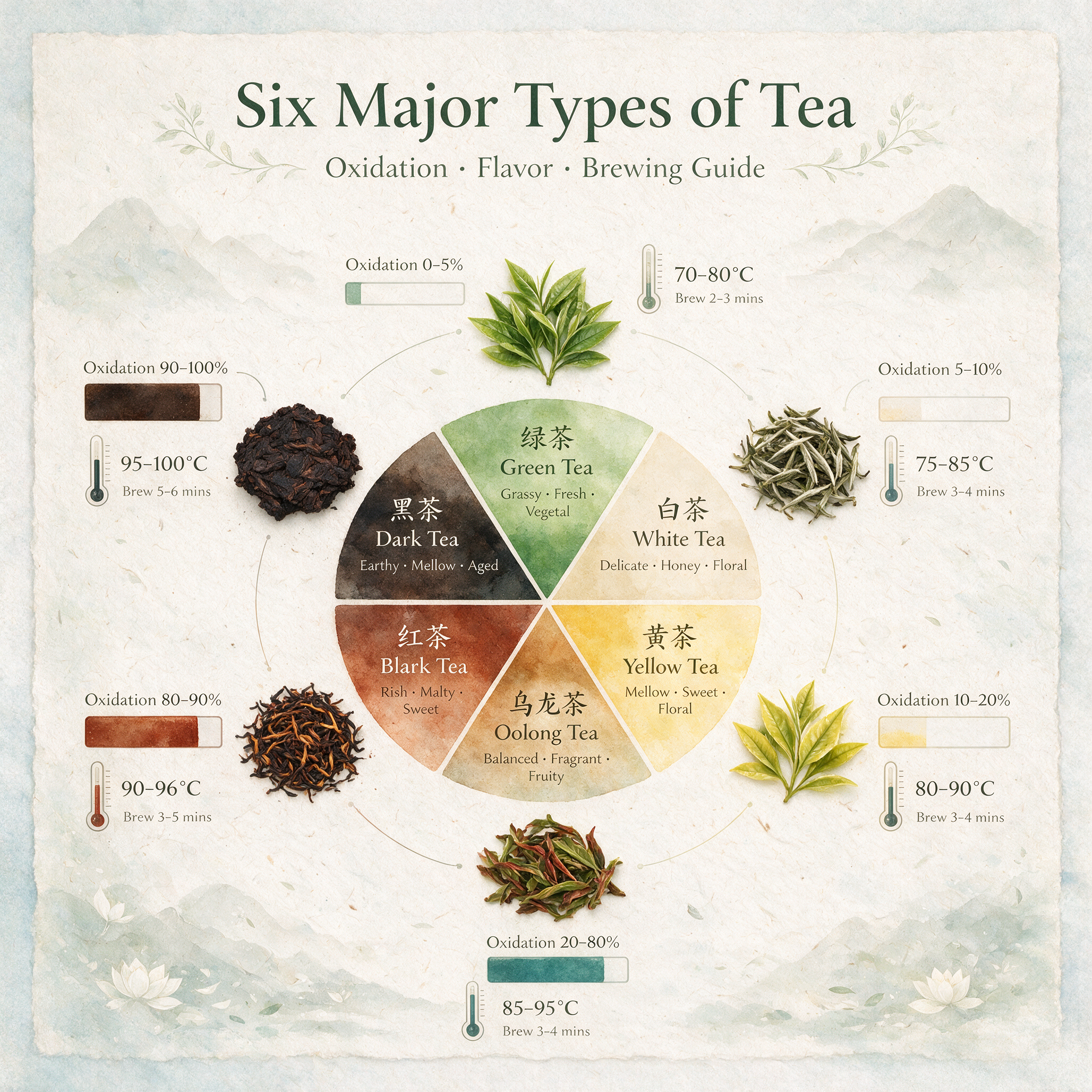
Turn approved product images and brand assets into launches, feature highlights, website showcases, and social ads. Reference packaging, colors, typography, key messages, and campaign visuals, then direct the pacing, camera language, voiceover, or music. The reference to video generator helps promotional concepts stay closer to the supplied brand direction without inventing unsupported claims.
Beyond a single starting frame
Why Use Reference to Video?
Reference to Video gives the model more creative context and clearer direction before motion begins. Unlike Image to Video, which starts with one image, it can draw on additional supported media.
More Creative Context
Show the model the subject, setting, style, movement, or sound instead of asking one image to communicate everything.
Stronger Visual Continuity
Provide additional evidence for the character, product details, colors, and style that should remain recognizable.
Clearer Motion Direction
Combine your references with guidance for the subject, shot composition, camera behavior, timing, and atmosphere.
Flexible Reference Inputs
Use the supported mix of images, video, and audio that best communicates your idea to the selected model.
Connected Storytelling
Develop new shots from a defined cast, product, world, or visual language instead of restarting from an unrelated prompt.
Stronger Brand Direction
A reference to video workflow can combine product, packaging, color, and campaign references to give branded concepts a clearer visual foundation.
Reference to Video Generator Features
This AI reference to video generator brings reference inputs, motion prompting, model controls, and saved results into one workflow.
Multi-reference guidance
Combine supported reference files to give the model richer context than a single starting image.
Image, video, and audio inputs
Use images, video, or audio when the selected model supports them.
Motion-aware prompting
Guide the subject, camera behavior, timing, light, and atmosphere with natural-language instructions.
Flexible aspect ratios
Create vertical, square, landscape, or widescreen video when supported by your selected model.
Resolution and duration controls
Set the available resolution and clip length before you generate.
Multiple AI video models
Choose the model that matches the reference inputs and output settings your project needs.
Private creation history
Return to completed reference to video results in My Creations.
Download-ready videos
Preview completed generations and save the videos that best match your needs.
One focused workspace
Upload references, write the prompt, configure the output, generate, and review in one place.
Reference to Video FAQ
Clear answers about reference inputs, motion prompts, consistency, credits, and saved videos.
What is reference to video?
Reference to video is an AI workflow that combines a motion prompt with supported images, video clips, or audio. A reference to video generator uses those inputs to guide the subject, style, movement, and atmosphere of a new video.
When should I use Reference-to-Video instead of Image-to-Video?
Choose Reference-to-Video when you want multiple references to guide a character, product, visual style, motion, or sound. Choose Image-to-Video when you simply want to animate a single source image.
What reference files can I upload?
You can upload supported images, video clips, and audio files. Available formats and file limits depend on the selected AI model and are shown before submission.
Can a reference to video generator improve character consistency?
Yes. Clear references can improve character consistency by guiding appearance, clothing, colors, and style. Results can still vary, so identify the details that must remain recognizable.
How do I write a strong motion prompt?
Start with the subject's action, then add camera movement, timing, setting, lighting, and mood. State which details should remain recognizable and give each reference a clear purpose so the reference to video AI generator receives one coherent direction.
Does reference to video use credits?
Yes. Credit usage depends on the selected model, resolution, duration, and reference media. The generator displays the calculated cost before you submit the request.
Where are my generated videos saved?
Completed videos associated with your account appear in My Creations, where you can review previous generations and download any files you decide to retain.
Can I generate NSFW content?
No. Our AI generation service does not support NSFW content, including explicit sexual content, nudity, or sexually explicit images or videos.
Start Creating with Reference to Video
Add your references, describe the shot, and generate your next AI video.